
Can I swap my Windows Machine for Linux
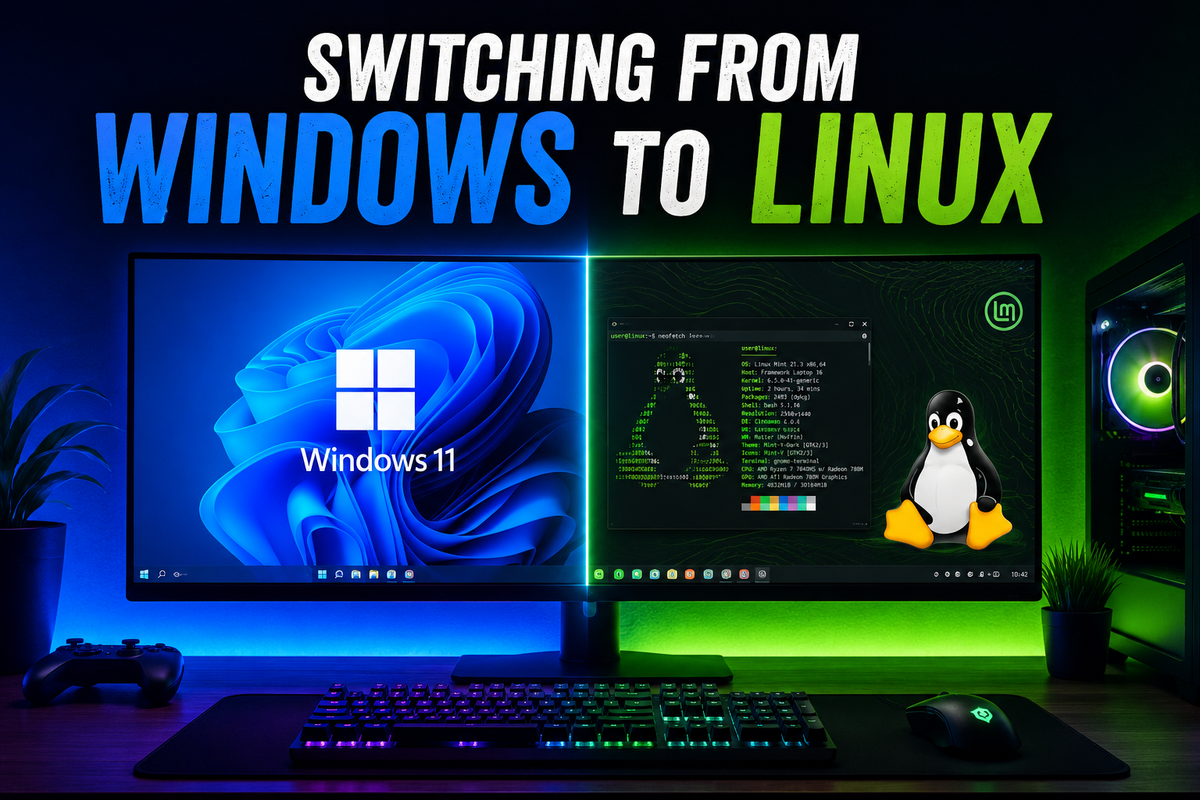
I am both a Windows and Mac user. My Windows machine lately is just used for gaming, which isn’t used that often. My MacBook, on the other hand, I use for creative work, writing this blog, and editing my drone footage.
I am exploring the possibility of moving my gaming setup from Windows 11 to Linux. It seems that quite a few people, from what I can see online, are making the switch. Some of their reasons I can agree with, so what are they? Let’s go through them in this post. It’s going to be more of a list layout, so bear with me. I will explain the main points and then possibly explain how I get around them.
Forced Microsoft account
Microsoft now wants everyone using Windows 11 Home to set up a Microsoft account. It tried to do the same with Windows 10, but you could get around it by not connecting to the internet, which forced you to set up a local account first, then it would keep prompting you to convert to a Microsoft account later.
On Windows 11 there are ways around it. You could reinstall Windows 11 using a program called Rufus to build the ISO, which gives you the option to remove the Microsoft account requirement. You could also just upgrade to Pro (pay Microsoft more money), select domain join, and set up a local account.
Forced installation of browser / Copilot
Microsoft has tried to make people use Copilot and integrate it into Windows. I am a fan of AI, but I don’t think Copilot is the best, although I may be biased because I’m used to another one. You can remove it, but every Windows update (in my experience) keeps putting it back on. I don’t really get around this, I just put up with it.
In the UK, and most of the world, the default browser is Edge. Enough said — I use Brave.
Resources used
There is a lot of bloatware on Windows. It installs a bunch of things you have never used, never want to use, and then have to spend time removing. Then you get the other bloat software — I’m looking at you, McAfee. Granted, that’s not a direct Microsoft decision, but you can bet manufacturers are encouraged to include it.
I just uninstall it all. It takes most of the first day you get a computer to remove the stuff you don’t want and get the stuff you do want set up. All these things and ongoing background processes take up CPU and RAM power, which us gamers would rather dedicate to gaming.
Forced updates
Now, I’m not saying we should never update anything — that would just be bonkers — but we should get a choice on what we update, when we update, and be able to skip certain updates.
Even though we can set working times, sometimes Windows just forces updates and, in my experience, forces restarts as well. This is another one I can’t really get around, I just have to put up with it.
So why consider making the switch to Linux instead of moving everything to Mac or sticking with Windows?
Firstly, MacOS — let’s be real here — is good, but in my opinion it’s not that good for gaming. I have yet to come across a Mac with a dedicated GPU (please prove me wrong in the comments). Plus, I like to keep the creative stuff I use my Mac for separate from my gaming life.
Pros and cons of sticking with Windows
Pros:
Wide compatibility. Almost every game is compatible with Windows, so you rarely have software compatibility problems — usually it’s hardware instead. Windows is also widely used, so if you run into issues, chances are someone else has had the same problem. You can pretty much find multiple solutions for anything you come across.
Cons:
Because Windows is so widely used, it’s also targeted more. Viruses, phishing attempts, malware, and similar attacks are more common. Windows also uses more resources just to run the OS itself, which can use up RAM and CPU power. It doesn’t necessarily make your computer extremely slow unless your system already has limited resources, but it can definitely be noticeable. The main cons, though, are all the points mentioned above.
Linux
With Linux, you don’t get forced updates, and you can choose which ones you install. The main benefit of this is that if there are known issues with a certain update, you can simply skip it until it’s fixed — unlike with Windows.
Linux also tends to use less RAM and CPU power, so it can run quicker and leave more resources available for what you actually want to do instead of just running the OS. There is also no online account requirement.
One downside, though — and this applies to most operating systems — is that you can’t always choose which browser is installed by default during setup (I’m also happy to be proved wrong on this in the comments). Another downside, which is also one of Windows’ strengths, is that Linux is less widely used globally. This means you can’t always guarantee your software and drivers will be compatible, whereas with Windows compatibility is usually much easier to find because developers support it more widely.
Conclusion
So in conclusion, I think Linux is worth trying, but I wouldn’t recommend completely reinstalling Linux over Windows straight away.
My advice, and something I will be trying myself, is using virtual environments with either VirtualBox or Hyper-V to see which Linux flavours best suit my needs. At the moment, I’m thinking Linux Mint, as a lot of people recommend it, but I need one that also has full driver compatibility for the Nvidia GPU in my laptop.
SteamOS is another one to look out for. It’s already on the Steam Deck and Steam Machine. I’m hoping to get my hands on a Steam Machine at some point and would give my verdict on that in another post. Another Linux flavour worth checking out is Pop!_OS, as it has good Nvidia driver support.
I think I will be doing another post after testing each one to decide which one I’m going to pick, then leave my review of it. So subscribe to email updates so you don’t miss those posts.